


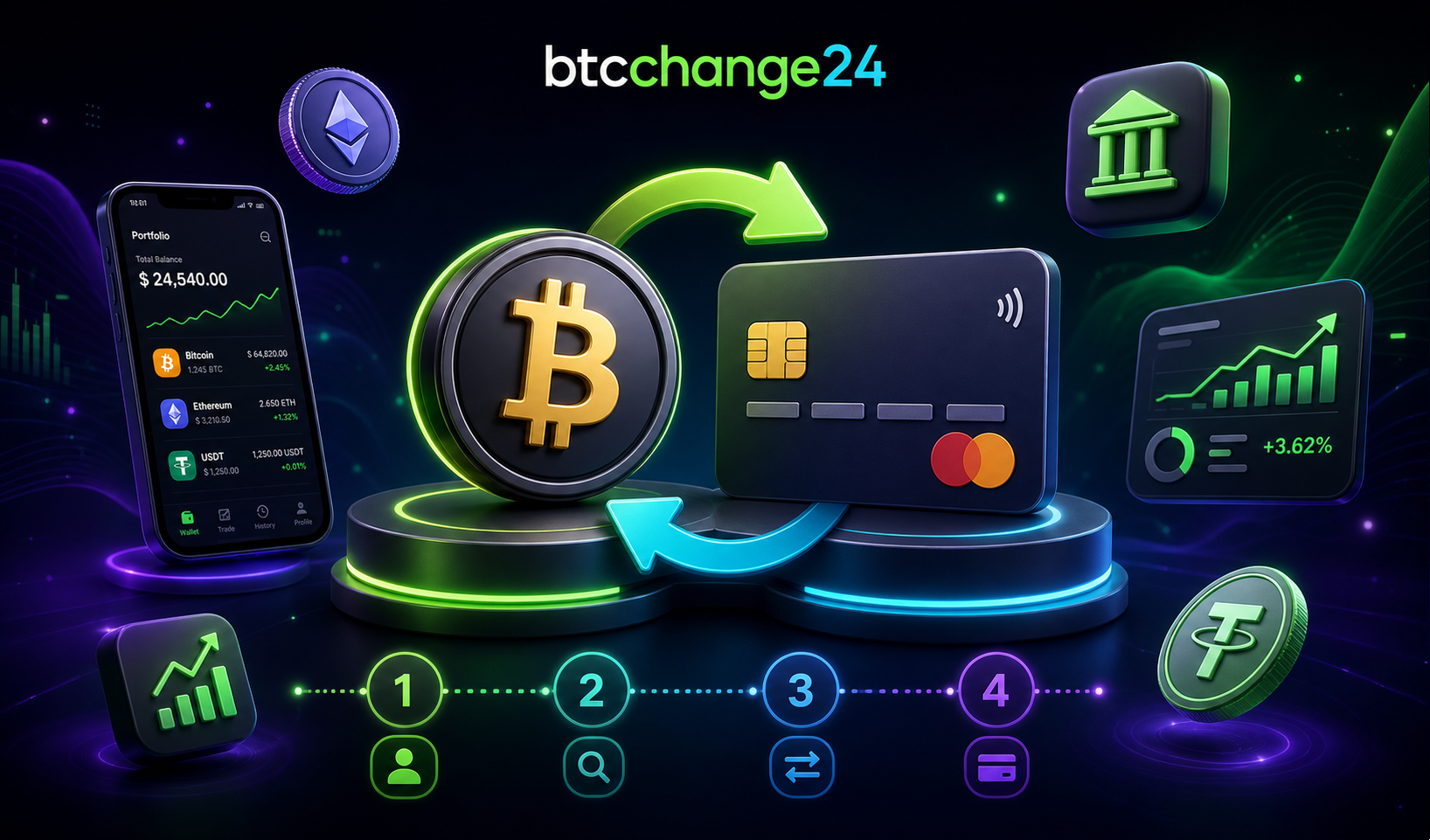
A crypto-to-card exchange sounds simple: send coins and receive money on a bank card. In practice, beginners should understand the full route before starting: which cryptocurrency is used, which network is required, what card details are needed, how the rate is applied, when the order is considered paid, and what checks may appear. A clear process reduces the risk of losing funds through a wrong network, rushed transfer, or misunderstood terms.
How Crypto-to-Card Exchange Works
In a typical flow, the user selects a crypto-to-fiat card direction, enters the amount and card details, receives a crypto address for payment, sends the cryptocurrency, waits for blockchain confirmations, and then receives a payout according to the order terms. The details depend on the service, asset, network, reserve, payout direction, and compliance requirements.
It is important to understand that card exchange is not a guaranteed anonymous button. Services may apply AML/KYC checks, review risky transactions, or request additional information if an operation looks unusual. This is part of the modern market and does not automatically mean something is wrong.
Step 1. Choose the Direction and Review Terms
First, select which cryptocurrency you want to send and which card currency or payout direction you want to receive. Check availability, reserve, minimum and maximum amounts, estimated rate, and required card details. Do not send crypto until the order instructions are clear.
On BTCChange24, this practical scenario starts with choosing the exchange direction and reviewing the conditions in the order form. Before creating a request, calmly verify the amount, currency, network, and recipient details. If something is unclear, clarify it before sending funds.
Step 2. Check the Network and Address
The most common technical mistake is sending an asset through the wrong network. A token with the same name can exist on different blockchains, while deposit rules differ. If the service specifies a network, use exactly that network.
- Confirm the cryptocurrency ticker and network.
- Copy the full address instead of typing it manually.
- Check the first and last characters after pasting.
- Do not send test or extra amounts unless you understand how the service handles them.
Step 3. Create the Order and Save Details
After entering the required information, the service shows payment details and order conditions. Save the order number, amount, address, network, and creation time. This makes support communication much easier if the transaction is delayed.
The rate may be fixed for a limited time or recalculated according to service rules. Do not assume that a displayed quote lasts forever. If you wait too long, return to the order page and check whether conditions still apply.
Step 4. Send Cryptocurrency From Your Wallet
Open your wallet or exchange account, select the correct asset and network, paste the address from the order, and enter the amount. Before confirming, check the network fee and total amount debited. If sending from an exchange, remember that the exchange may charge a withdrawal fee and may not broadcast the transaction instantly.
Practical tip. If you are using a service or direction for the first time, start with a smaller amount within the allowed limits. This helps test the route and reduces stress.
Step 5. Wait for Confirmations and Card Payout
After sending, the transaction enters the blockchain. The service usually waits for the required confirmations and then processes the card payout. Speed depends on the blockchain, network load, internal checks, and the banking side. Do not send a second payment just because funds have not arrived after a few minutes.
Stage |
What happens |
User action |
|---|---|---|
Order creation |
Direction and terms are set |
Review details before payment |
Crypto transfer |
Transaction is sent to blockchain |
Save the hash and do not change amount manually |
Network confirmations |
Service recognizes funds after confirmations |
Wait and monitor status |
Card payout |
Fiat payment is sent according to the order |
Check receipt and keep records |
Risks to Consider
- Wrong network or address can cause loss of funds or difficult recovery.
- Sharp market movement may affect recalculation if the order rules allow it.
- The banking side may run its own payment checks.
- High AML-risk transactions may require additional explanations.
- Incorrect card details can delay or prevent payout.
Do not use card exchange for questionable funds, third-party details, or operations you cannot explain. That increases the chance of delays, blocks, and extra questions.
Beginner Checklist Before Exchange
- I know which cryptocurrency and network I am sending.
- I checked amount, rate, reserve, and card details.
- I saved the order number and payment address.
- I will not change amount or network after order creation unless service rules allow it.
- I will wait for confirmations instead of creating duplicate orders in panic.
Frequently Asked Questions
Can I exchange crypto to a card without checks?
Some operations may pass without extra questions, but no service can responsibly guarantee that checks will never happen. AML/KYC procedures may depend on direction, amount, and transaction risk.
What if I sent crypto through the wrong network?
Contact support immediately with the order number and transaction hash. Recovery depends on the network, address, and technical conditions; it cannot be guaranteed.
Why is the card payout delayed?
Possible reasons include network confirmations, internal review, wrong card details, banking processing, or high service load. First check the order status and transaction data.
Conclusion
Crypto-to-card exchange is safer when the user follows a clear process: choose the direction, review terms, create an order, send crypto through the correct network, wait for confirmations, and keep operation records. Beginners do not need to rush. Accuracy matters more than speed.
